Thank you for
your purchase!
Your access to SagaPost is ready. Follow the steps below to activate your account and start building worlds that never stop growing.
Check your email
We've sent a secure verification link to the email address you used at checkout. Open your inbox and look for an email from SagaPost. If you don't see it within a few minutes, check your spam or promotions folder.

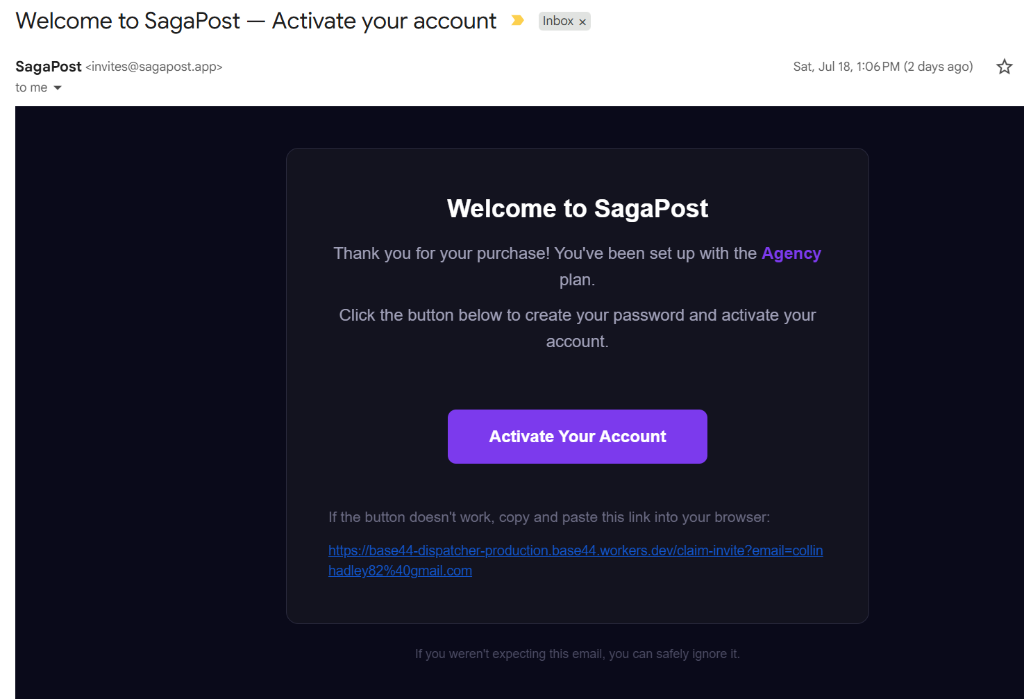
Can't find your welcome email? Check your Spam/Junk folder — some inboxes (especially Outlook, Hotmail, and Live) sometimes file it there by mistake. Search for "SagaPost" or invites@sagapost.app, and mark it as "Not Spam" so future emails land in your inbox.
Verify your account
Click the verification link inside the email. That secure link is what activates your account and applies your purchased plan — no one can claim your access without it.
Start creating
Once verified, you'll land inside your SagaPost dashboard. Name a world, give it a premise, and press generate. Your first episode — written and illustrated — is seconds away.